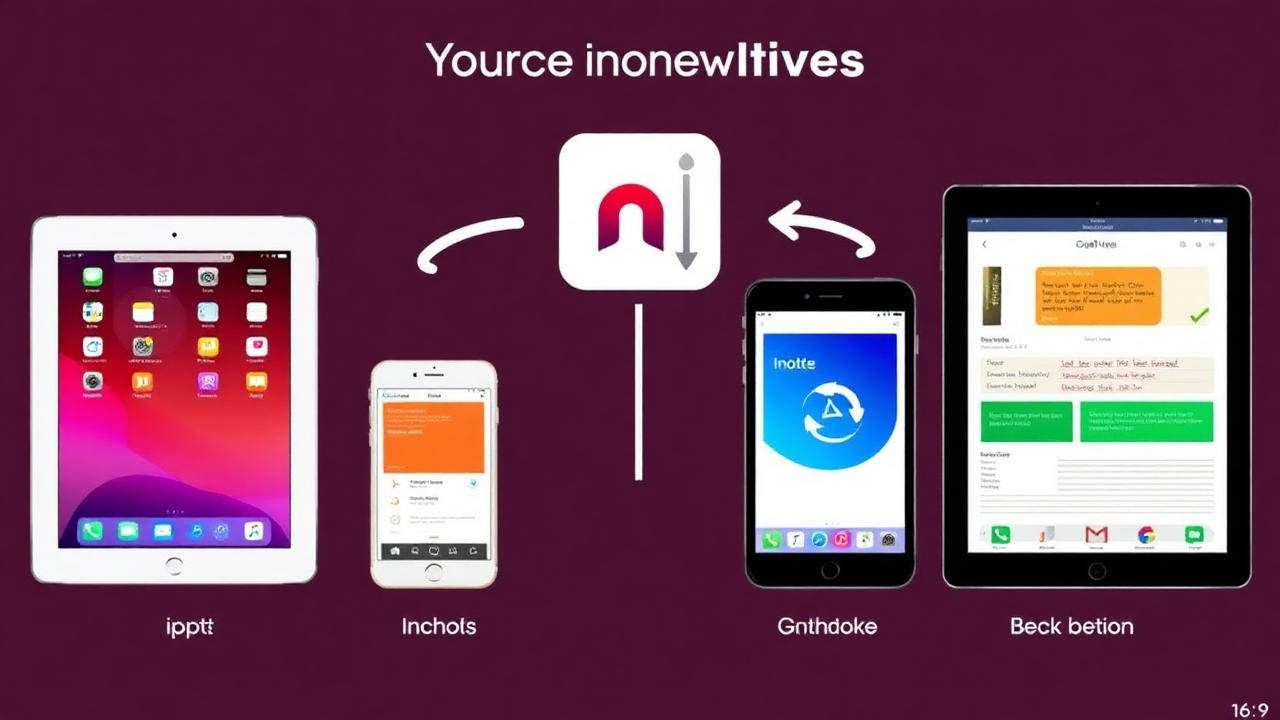
OneNote is showing its age - clunky syncing, outdated interface, and Microsoft ecosystem lock-in. Here are the best alternatives for 2025.
WHY LEAVE ONENOTE: Slow syncing (conflicts are common), no modern AI features, Microsoft account required, cluttered interface, limited automation, mobile apps underwhelming, no markdown support. If you're looking for: modern AI, better organization, faster syncing, cross-platform freedom - it's time to switch.
TOP ALTERNATIVES: 1) Luma (Best for AI + Organization) - AI summaries, voice-to-text, folders and tags, fast search. Pricing: free plan with 50 notes and 5 AI actions a day; Premium $2.99/month or $24.99/year. Migration: Import from OneNote exports, AI organizes automatically. Best for: ADHD, visual thinkers, AI enthusiasts. 2) Notion (Best for Teams) - Databases, collaboration, templates, integrations. Pricing: Free personal, $10/mo Pro. Best for: Teams, project management. 3) Obsidian (Best for Power Users) - Local-first, markdown, graph view, plugins. Pricing: Free, $50/yr Sync. Best for: Developers, writers, knowledge management. 4) Evernote (Best for Capture) - Web clipper, document scanning, powerful search. Pricing: Free limited, $15/mo Personal. Best for: Heavy web clipping, document storage. 5) Apple Notes (Best for Apple Users) - Deep iOS integration, free, simple, fast. Pricing: Free. Best for: Apple ecosystem users.
MIGRATION GUIDE FROM ONENOTE: 1) Export OneNote notebooks (File → Export → OneNote Package), 2) Choose destination app, 3) Import notes (format depends on app), 4) Review organization structure, 5) Test sync across devices, 6) Gradually phase out OneNote. Most apps import OneNote notebooks directly.
COMPARISON TABLE: [Features: AI organization, voice notes, collaboration, mobile apps, pricing, storage, encryption, markdown, offline access compared across all apps].
CHOOSING THE RIGHT FIT: If you want: Modern AI features → Luma, Team collaboration → Notion, Complete privacy → Obsidian, Apple ecosystem integration → Apple Notes, Traditional note-taking → Evernote.
MAKING THE SWITCH: Don't try to migrate everything at once. Start with new notes in alternative app, gradually move active notebooks, archive old OneNote notes (but keep accessible), give it 30 days before deciding.
Bottom line: OneNote is still functional, but modern alternatives offer significantly better experiences. Try a few, see what clicks. Most have free trials or free tiers.
Luma Editorial Team
• EditorialLuma's editorial team researches and writes these guides based on publicly available information, hands-on use of Luma and other apps, and reader feedback. Articles are reviewed and updated periodically to keep pricing and features accurate.
Ready to Apply These Tips?
Luma turns the notes you write into a summary and flashcards. The free plan is permanent — no card needed.
Related Articles

Best Note-Taking Apps 2026: Top 10 Ranked & Reviewed
Comprehensive review of the top 10 note-taking apps in 2026. Compare features, pricing, and find the perfect app for students, professionals, and creatives.
Best AI Digital Notebook Apps 2025: Luma vs Notion AI vs Mem
Complete comparison of the best AI digital notebook apps for 2025. See features, pricing, and which AI notebook is right for you.
Roam Research vs Notion vs Luma: Which PKM Tool?
In-depth comparison of Roam Research, Notion, and Luma for personal knowledge management. Features, pricing, use cases, and recommendations.
9 Best ADHD Time Management Apps (2026) — Tested 6 Months
We tested 9 time management apps built for ADHD brains over 6 months. Compare Tiimo, Sunsama, Todoist, Focusmate and more on time blindness, capture speed and price.