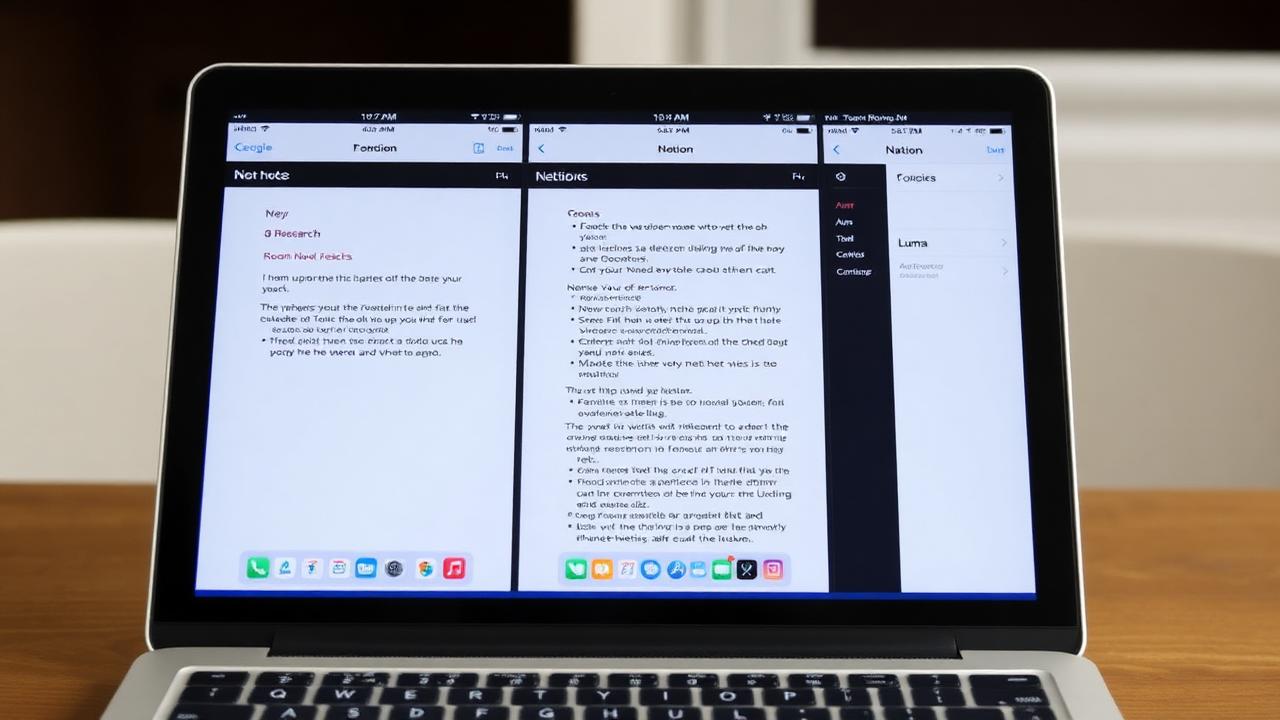
Roam, Notion, and Luma represent three different philosophies of note-taking. Here's how to choose the right one for your brain.
PHILOSOPHY DIFFERENCES: Roam: Network-first thinking, bidirectional links, graph view, emergent structure, steep learning curve. Philosophy: Ideas connect non-linearly. Build knowledge graph. For: Researchers, writers, knowledge workers, complexity lovers. Notion: Blocks + databases, hierarchical structure, collaboration-first, all-in-one workspace, moderate learning curve. Philosophy: Structure and systems. One tool for everything. For: Teams, project managers, organizers, system builders. Luma: AI-first capture, voice notes, minimal friction, visual organization, timeline view, easy learning curve. Philosophy: Capture effortlessly, let AI organize. For: ADHD, busy professionals, modern workflows, AI enthusiasts.
FEATURE COMPARISON: Capture: Luma (voice + quick add, best), Notion (good), Roam (manual). Organization: Roam (network/graph, advanced), Notion (databases, powerful), Luma (AI auto-organize, effortless). Search: All have good search, Luma adds AI semantic search. Collaboration: Notion (excellent), Roam (good), Luma (individual-focused). Mobile: Luma (best), Notion (good), Roam (weakest). AI: Luma (built-in, advanced), Notion (limited AI), Roam (no AI). Learning curve: Luma (minutes), Notion (days), Roam (weeks).
PRICING: Roam: $15/mo (expensive), Notion: Free-$10/mo, Luma: Free-$8/mo. Value: Luma (best free tier), Notion (middle), Roam (least value).
USE CASE RECOMMENDATIONS: Choose Roam if: You love complexity and tinkering, building networked knowledge base, have time to learn system, writing book or deep research, enjoy graph view, $15/mo is fine. Choose Notion if: Managing team projects, want all-in-one workspace (notes + tasks + wiki), like databases and structure, collaborating heavily, okay with moderate learning curve. Choose Luma if: Want to start immediately (no learning curve), ADHD or executive function challenges, love AI automation, capture via voice frequently, prefer visual organization, want modern fast app, on budget (best free tier).
REAL USER SCENARIOS: Academic researcher: Roam (connection mapping) or Luma (AI literature review). Startup founder: Notion (team collaboration) or Luma (personal notes). Writer: Roam (idea network) or Luma (quick capture). Student: Luma (easy, free, AI) or Notion (organize everything). Creative: Luma (inspiration capture) or Notion (project management). Developer: Roam (technical docs) or Luma (quick reference).
MIGRATION PATHS: From Roam: Obsidian (similar philosophy), Luma (easier alternative). From Notion: Luma (individual notes), Coda (team workspace). From Luma: If you outgrow (rare): Roam (deep research), Notion (team features).
HONEST VERDICT: Roam: Powerful but overpriced and dated. Obsidian does most of it better for free. Choose only if you're deep into networked thought and $15/mo doesn't matter. Notion: Excellent for teams and structured thinkers. Overkill for simple note-taking. Choose if you want all-in-one workspace. Luma: Best for modern individual note-taking. AI and voice features are ahead of competitors. Easy start, grows with you. Choose if you want modern, AI-powered, personal note system.
WHICH ONE SHOULD YOU CHOOSE?: Start with: Luma (if individual), Notion (if team). Advanced users can add: Obsidian for local backup, Roam for specific research projects. Most people don't need more than one tool. Pick based on: ease of use (Luma wins), collaboration needs (Notion wins), complexity love (Roam wins), AI features (Luma wins), pricing (Luma best value).
Bottom line: Roam pioneered networked notes but is outdated and overpriced. Notion is excellent for structured teams. Luma represents the modern approach - AI-powered, effortless, fast. For most people in 2025, Luma is the smart choice.
Luma Editorial Team
• EditorialLuma's editorial team researches and writes these guides based on publicly available information, hands-on use of Luma and other apps, and reader feedback. Articles are reviewed and updated periodically to keep pricing and features accurate.
Ready to Apply These Tips?
Luma turns the notes you write into a summary and flashcards. The free plan is permanent — no card needed.
Related Articles

Best Note-Taking Apps 2026: Top 10 Ranked & Reviewed
Comprehensive review of the top 10 note-taking apps in 2026. Compare features, pricing, and find the perfect app for students, professionals, and creatives.
Best OneNote Alternative 2025 (Free & Paid Options)
Looking to replace OneNote? Compare the best alternatives for 2025. Feature comparison, pricing, and migration guides for every use case.
Zettelkasten Method: Complete Beginner's Guide to Smart Note-Taking
Learn the Zettelkasten method used by prolific thinkers. This guide covers principles, implementation, and digital tools for building your personal knowledge system.

ADHD Productivity Apps: Best Tools for Focus in 2025
Discover the best productivity apps specifically designed for ADHD brains. Compare features, pricing, and find tools that actually help you focus and stay organized.