Most meeting notes are useless - vague summaries that capture talking but miss decisions. Here's how to take meeting notes that actually drive action.
ESSENTIAL MEETING NOTE TEMPLATE: Meeting title & date, Attendees (who was there), Objective (why we met), Key Discussions (main points only), Decisions Made (what we agreed), Action Items (who does what by when), Next Steps, Follow-up date. Optional: Parking lot (topics for later), Open questions, Resources mentioned.
AI MEETING NOTES: Modern tools can: Auto-transcribe conversations, identify action items automatically, extract key decisions, summarize main points, assign follow-ups, integrate with calendar. Apps like Luma offer voice-to-text meeting capture with AI extraction of action items, saving 10+ minutes per meeting.
DURING THE MEETING: Focus on listening (not perfect transcription), note decisions and action items in real-time, capture WHO is responsible for WHAT by WHEN, use voice recording as backup, mark unclear items with ?, assign action items before meeting ends.
AFTER THE MEETING: Share notes within 24 hours, confirm action items with assignees, add to project management tool, schedule follow-up, review before next meeting. Turn action items into calendar blocks or tasks immediately.
TYPES OF MEETINGS: 1) One-on-one template: goals discussed, feedback given/received, action items, next meeting date. 2) Team standup: yesterday's progress, today's plan, blockers. 3) Project kickoff: objectives, roles, timeline, milestones, risks. 4) Brainstorm: all ideas (no judgment), voted favorites, next steps. 5) Retrospective: what worked, what didn't, what to change.
COMMON MISTAKES: Writing everything (capture decisions only), No action items (meetings without actions are waste), Vague assignments ("someone should" = no one will), Not sharing notes (if not shared, didn't happen), No follow-up (action items need tracking).
MAKING IT WORK: Create template once, use every meeting, start template before meeting, assign notetaker (rotate), review action items at meeting end, track completion rates, improve template based on feedback.
Best practice: 80% of meeting time should be discussion, 20% should be confirming decisions and action items. Your notes should reflect that ratio.
Modern note apps like Luma provide meeting templates with automatic action item extraction, making professional meeting notes effortless.
Luma Editorial Team
• EditorialLuma's editorial team researches and writes these guides based on publicly available information, hands-on use of Luma and other apps, and reader feedback. Articles are reviewed and updated periodically to keep pricing and features accurate.
Ready to Apply These Tips?
Luma turns the notes you write into a summary and flashcards. The free plan is permanent — no card needed.
Related Articles

Meeting Notes Templates: Complete Guide with Free Templates
Master meeting notes with proven templates and strategies. Capture action items, decisions, and key discussions efficiently with these ready-to-use templates.
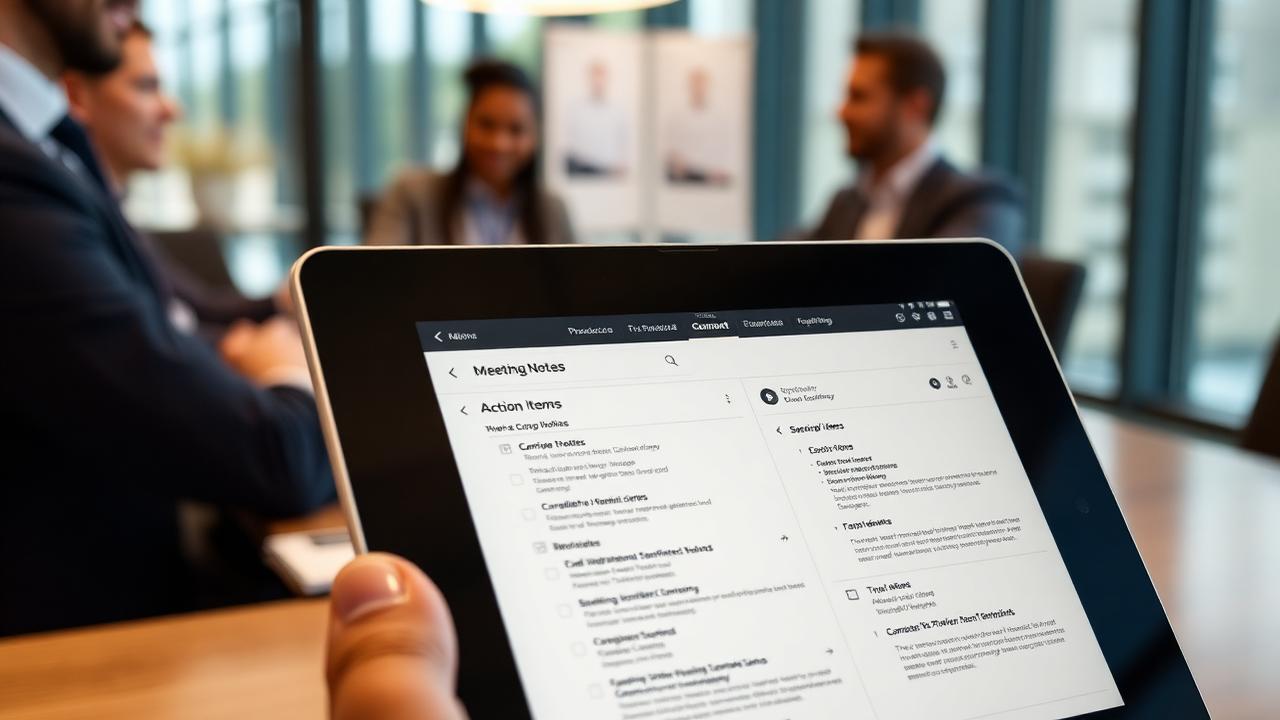
Meeting Notes Best Practices & Templates 2025
Master meeting notes with proven templates and best practices. Learn how to capture action items efficiently.
Markdown for Notes: The Complete Beginner’s Guide
Learn Markdown for note-taking: headings, emphasis, lists, links, blockquotes, code, and the GitHub-Flavored extensions like tables and task lists, plus a free cheat sheet.
9 Best ADHD Time Management Apps (2026) — Tested 6 Months
We tested 9 time management apps built for ADHD brains over 6 months. Compare Tiimo, Sunsama, Todoist, Focusmate and more on time blindness, capture speed and price.