Effective meeting notes save time, improve accountability, and ensure nothing falls through the cracks. Yet 70% of professionals struggle with meeting note-taking.
Why Meeting Notes Matter
Benefits of good meeting notes: Clear action items (who does what by when), shared understanding (everyone aligned), accountability (written record), knowledge preservation (for absent members), decision documentation (why we chose X).
Cost of bad notes: Forgotten action items (30% of tasks lost), repeated discussions (wasted time), misalignment (different interpretations), blame games (no clear record).
Essential Elements of Meeting Notes
Every effective meeting note needs: Meeting metadata (date, time, attendees, purpose), agenda items (topics discussed), key discussion points (main arguments), decisions made (what was decided), action items (who, what, when), parking lot (topics for later), next meeting (date and focus).
5 Meeting Notes Templates
1. Standard Meeting Notes Template
Best for: Regular team meetings, status updates, general discussions.
Structure:
# Meeting Notes: [Topic]
**Date:** [Date]
**Time:** [Start - End]
**Attendees:** [Names]
**Purpose:** [Why we're meeting]

## Agenda
1. [Topic 1]
2. [Topic 2]
3. [Topic 3]

## Discussion Notes
### [Agenda Item 1]
- Key point discussed
- Important context
- Concerns raised

### [Agenda Item 2]
...

## Decisions Made
- ✅ Decision 1
- ✅ Decision 2

## Action Items
- [ ] Task 1 - @Person - Due: [Date]
- [ ] Task 2 - @Person - Due: [Date]

## Parking Lot (Future Topics)
- Topic to discuss next time

## Next Meeting
**Date:** [Next meeting date]
**Focus:** [Main topic]
2. Executive Meeting Template
Best for: Leadership meetings, board meetings, strategic planning.
Structure:
# Executive Meeting Notes
**Date:** [Date]
**Attendees:** [Leadership team]
**Duration:** [Time]

## Strategic Updates
### Financial
- [Key metrics]
- [Concerns]

### Operations
- [Status updates]

### Market/Competition
- [Intel]

## Major Decisions
1. **Decision:** [What]
   - **Rationale:** [Why]
   - **Impact:** [Expected outcome]
   - **Owner:** [Who executes]

## Action Items (C-Level)
- [ ] [Strategic initiative] - CEO - [Timeline]
- [ ] [Budget approval] - CFO - [Date]

## Confidential Notes
[Sensitive discussion points]

## Next Board Meeting
**Date:** [Date]
**Focus:** [Quarterly review/Strategy]
3. Project Kickoff Template
Best for: Starting new projects, defining scope and roles.
Structure:
# Project Kickoff: [Project Name]
**Date:** [Date]
**Project Manager:** [Name]
**Team:** [Members]

## Project Overview
**Goal:** [What we're building]
**Why:** [Business case]
**Success Metrics:** [How we measure]

## Scope
### In Scope
- Feature 1
- Feature 2

### Out of Scope
- Not included: X
- Future phase: Y

## Team Roles
- **PM:** [Name] - Overall delivery
- **Tech Lead:** [Name] - Architecture
- **Design:** [Name] - UX/UI

## Timeline
- **Kickoff:** [Date]
- **Milestone 1:** [Date]
- **Launch:** [Date]

## Risks & Dependencies
- Risk: [What could go wrong]
- Dependency: [What we need]

## Immediate Action Items
- [ ] [Setup task] - @PM - [This week]
- [ ] [Research] - @Tech - [Next week]

## Communication Plan
- **Standups:** Daily at 9 AM
- **Updates:** Slack #project-name
- **Reviews:** Bi-weekly Fridays
4. One-on-One Template
Best for: Manager-employee check-ins, mentorship, coaching.
Structure:
# 1:1 Meeting: [Manager] & [Employee]
**Date:** [Date]
**Previous:** [Date of last 1:1]

## Employee's Topics
- [What they want to discuss]
- [Blocker or concern]
- [Career question]

## Manager's Topics
- [Feedback]
- [Project update]
- [Company news]

## Discussion
### Current Projects
- [Project status]
- [Any blockers?]

### Career Development
- [Growth opportunities]
- [Skills to develop]

### Feedback (Both Directions)
- [Praise or constructive feedback]

## Action Items
- [ ] [Manager follow-up] - @Manager
- [ ] [Employee development] - @Employee

## Notes for Next Time
- [Topics to revisit]
- [Follow-up needed]

## Next 1:1
**Date:** [2 weeks]
5. Brainstorming Session Template
Best for: Creative sessions, problem-solving, ideation.
Structure:
# Brainstorming: [Topic]
**Date:** [Date]
**Facilitator:** [Name]
**Participants:** [Team]
**Challenge:** [Problem we're solving]

## Rules
- No bad ideas (defer judgment)
- Build on others' ideas
- Quantity over quality
- Wild ideas welcome

## Ideas Generated
### Category 1
1. [Idea] - @Person
2. [Idea] - @Person

### Category 2
...

## Top Ideas (Voted)
1. ⭐⭐⭐⭐⭐ [Idea with most votes]
2. ⭐⭐⭐⭐ [Runner up]
3. ⭐⭐⭐ [Third place]

## Next Steps
- [ ] Prototype top idea - @Designer - [Date]
- [ ] Research feasibility - @Tech - [Date]
- [ ] Present to leadership - @PM - [Date]

## Parking Lot
- [Good ideas for future exploration]
Meeting Notes Best Practices
Before the Meeting
-
Send Agenda in Advance: 24 hours before, include time estimates, share pre-reads.
-
Designate Note-Taker: Rotate role, use AI transcription, never the facilitator.
-
Prepare Template: Open note doc, fill metadata, paste agenda.
During the Meeting
-
Focus on Key Points: Don't transcribe verbatim, capture decisions and action items, note who said what (attribution), mark unclear items with ❓.
-
Use Shortcuts: @name for people, [ ] for action items, ✅ for decisions, ❓ for questions.
-
Confirm Action Items: Before meeting ends, review all action items, confirm owners and deadlines, get verbal agreement.
After the Meeting
-
Send Within 2 Hours: Share notes while fresh, highlight action items, tag responsible people.
-
Follow Up: Check-in on action items mid-cycle, update status in shared doc, reschedule if needed.
-
Archive Properly: Consistent naming (YYYY-MM-DD - Meeting Name), organized folders (by project/team), searchable tags.
AI-Powered Meeting Notes
Modern tools like Luma offer: Real-time transcription (during meeting), auto-generated summaries (key points extracted), action item detection (AI finds tasks), smart categorization (auto-organized), searchable history (find any discussion).
Common Meeting Notes Mistakes
-
Too Detailed: Writing everything said. Fix: Capture decisions and actions only.
-
No Clear Owners: Action items without names. Fix: Every task needs @owner.
-
Vague Action Items: Do the thing. Fix: Specific verb + deadline (Draft proposal by Friday).
-
Never Reviewed: Notes sit unread. Fix: Send within 2 hours, tag people, follow up.
-
Inconsistent Format: Different style every time. Fix: Use templates.
Meeting Notes Tools
Best Overall: Luma - AI transcription, templates, action item extraction, beautiful formatting, affordable.
Best for Teams: Notion - Real-time collaboration, databases, integrations, templates.
Best for Meetings: Otter.ai - Real-time transcription, speaker ID, Zoom integration.
Best Simple: Google Docs - Free, collaborative, familiar, accessible.
Measuring Meeting Effectiveness
Track these metrics: Action item completion rate (target: 90%), meeting follow-up time (target: under 2 hours), attendee engagement (using notes?), meeting ROI (value vs time cost).
The No-Meeting Note Policy
If meeting has no notes, did it need to happen? Policy: No notes = no meeting happened, decisions don't count without documentation, async update instead of meeting.
Start Today
Action steps: Choose one template from this guide, use it in your next meeting, share notes within 2 hours, collect feedback and iterate.
Better meeting notes = better meetings = better work. Start with Luma's meeting templates and AI assistance for effortless documentation.
Luma Editorial Team
• EditorialLuma's editorial team researches and writes these guides based on publicly available information, hands-on use of Luma and other apps, and reader feedback. Articles are reviewed and updated periodically to keep pricing and features accurate.
Ready to Apply These Tips?
Luma turns the notes you write into a summary and flashcards. The free plan is permanent — no card needed.
Related Articles

Meeting Notes Template: Never Miss Action Items Again
Professional meeting notes templates and best practices. Capture decisions, action items, and key discussions efficiently with these proven templates.
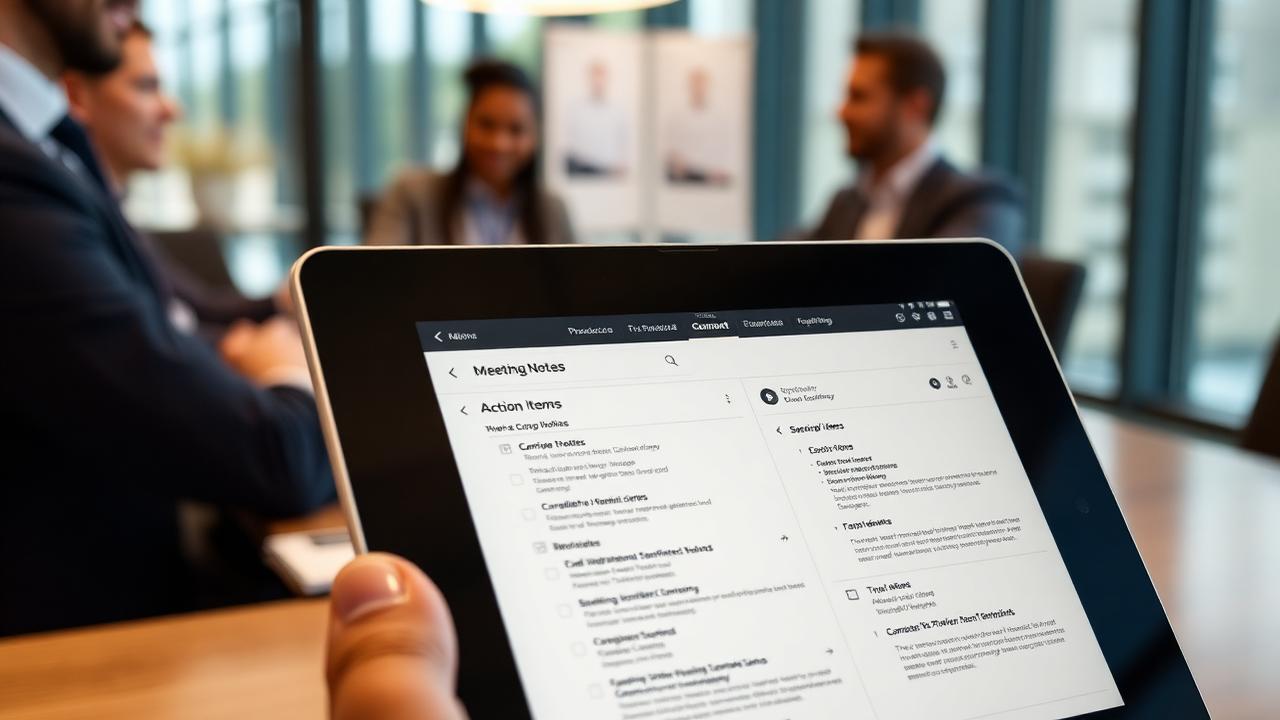
Meeting Notes Best Practices & Templates 2025
Master meeting notes with proven templates and best practices. Learn how to capture action items efficiently.
Digital Journaling Guide: Benefits, Apps & How to Start
Complete guide to digital journaling. Discover benefits, best apps, templates, and privacy tips. Transform your mental health and personal growth in 2025.
How to Organize Digital Notes: 7 Proven Methods for 2025
Learn the best strategies to organize your digital notes for maximum productivity. Discover folder structures, tagging systems, and smart categorization techniques.