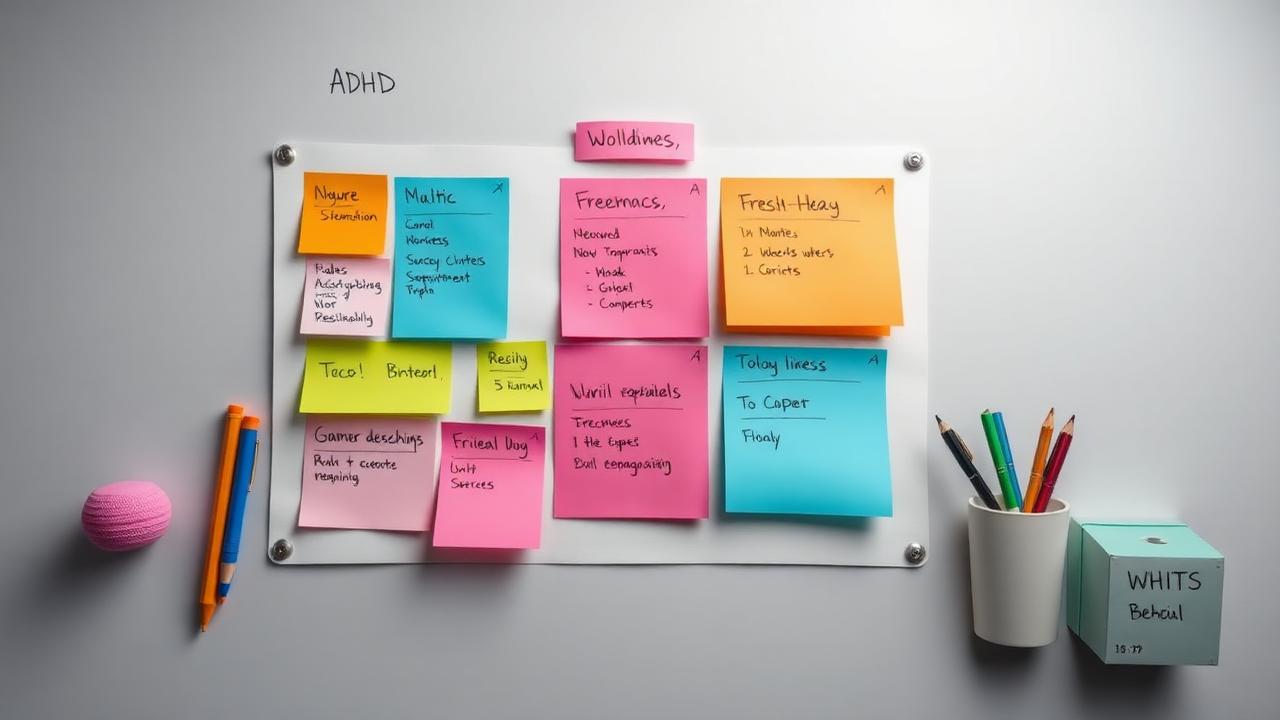
Short answer: the ADHD note-taking strategies that hold up are capture-first (one tap, no filing), visual structure (colour, mind maps, short lists), external reminders instead of memory, and a review ritual you attach to something you already do. Pick one capture tool and one calendar — not five apps. Everything below expands those four, with the strategies, the apps and the exact daily workflow. Studying with ADHD? Start from our roundup of the best free note apps for students.
| Your ADHD symptom | The strategy that works | Where it lives |
|---|---|---|
| You lose the thought before it's written | One-tap voice capture, sort later | Luma, phone widget |
| You can't start | Two-minute rule, body doubling | Focusmate, timers |
| You lose hours (time blindness) | Visual timeline of the day | Tiimo, Structured, ADHD time management apps |
| Your system collapses after a week | Fewer buckets, zero-setup app | ADHD planning app guide |
| Notes are never reviewed | Review attached to an existing habit | Daily streaks, calendar block |
ADHD brains are wired differently. Traditional note-taking methods often fail because they don't account for ADHD challenges like executive dysfunction, working memory issues, distractibility, and inconsistent motivation.
Understanding ADHD & Note-Taking Challenges
Common ADHD obstacles: Getting started (activation paralysis), staying organized (executive function), remembering to review (working memory), maintaining systems (consistency), filtering important info (attention regulation).
Why traditional methods fail: Too rigid and boring, require sustained attention, rely on perfect consistency, punish mistakes, ignore visual thinking.
10 ADHD-Friendly Note-Taking Strategies
1. Visual First Approach
Why it works: ADHD brains often think visually. External working memory through images compensates for weak verbal memory.
Techniques: Mind maps with colors and images, sketch notes with doodles, flowcharts for processes, color coding for categories, emoji for emotions and importance.
Tools: Luma with visual folders, iPad + Procreate, whiteboard photos.
2. Capture Everything, Organize Later
Why it works: Reduces decision fatigue during capture. Separates input from processing.
Method: Quick capture mode (voice notes, photos, quick text), weekly processing session (20 minutes Friday), AI-assisted sorting, delete or archive liberally.
Rule: 2-minute capture, 20-minute weekly review.
3. Use Voice Notes Extensively
Why it works: Speaking is faster than typing. Reduces writing friction. Captures thought flow naturally.
Best practices: Record thoughts immediately, don't worry about clarity, AI transcribes and organizes, review transcripts when hyperfocused.
Apps: Luma (best for ADHD), Otter.ai for meetings.
4. The Brain Dump Method
Why it works: Clears mental clutter. Reduces anxiety. Gets everything external.
Daily practice: Morning brain dump (10 min), end of day review (5 min), no judgment or editing, just capture everything.
Format: Stream of consciousness, bullet points, whatever flows.
5. Gamification & Rewards
Why it works: ADHD brains crave novelty and rewards. Dopamine motivation system.
Strategies: Streak counters for daily notes, points for completing reviews, themes and customization, celebrate small wins, share progress.
Apps: Luma with streak tracking, Habitica for habit building.
6. Template-Based Note-Taking
Why it works: Reduces decision fatigue. Provides structure without thinking. Makes starting easier.
Useful templates: Daily log (mood, tasks, wins), meeting notes (agenda, decisions, actions), project planning (goal, steps, deadline), weekly review (wins, challenges, next week).
Pro tip: Keep 3-5 go-to templates. Don't overwhelm with choices.
7. Time-Based Organization
Why it works: Simpler than category systems. Matches how ADHD memory works (when, not where).
System: Daily notes (everything today), timeline view (visual scroll), weekly summaries, search when needed.
Benefit: No decision where to put notes. Just timestamp and done.
8. AI as Executive Function Support
Why it works: AI handles organization tasks ADHD brains struggle with. Reduces cognitive load.
AI features for ADHD: Auto-categorization (no manual sorting), AI summaries (review without reading all), reminders to review (external memory), pattern detection (finds themes you miss), action item extraction (no manual list-making).
Best tool: Luma with built-in AI assistant. If you like the structure of bullets, daily spreads, and habit trackers, see our best bullet journal apps of 2026 roundup for ADHD-friendly digital BuJo setups.
9. Accountability Partners
Why it works: External accountability compensates for weak internal motivation. Body doubling effect.
Methods: Share notes with accountability partner, weekly check-ins (did you review notes?), study groups or co-working, public commitment (tell someone your system).
Digital option: ADHD communities, Discord study servers.
10. Embrace Imperfection
Why it works: Perfectionism kills ADHD systems. Done is better than perfect.
Mindset shifts: Messy notes better than no notes, 3 reviewed notes beat 20 unreviewed perfect ones, gaps are okay (just restart), systems will break (that's normal, adapt and continue).
Mantra: Progress over perfection.
The ADHD Note-Taking Workflow
Capture Phase (Frictionless): Voice notes while walking, photo of whiteboard, quick bullet points, whatever's easiest in moment.
Process Phase (Scheduled): Friday 10 AM (calendar block), body double (coffee shop or video call), AI helps organize, 20 minutes max.
Review Phase (Spaced): Daily 5-min glance at today's notes, weekly review during processing, monthly pattern check (what themes emerging?).
Common ADHD Note-Taking Mistakes
-
Overcomplex Systems: Starting with 50 categories and tags. Fix: Start with 3 categories max. Add only when needed.
-
All-or-Nothing Thinking: Missing one day, giving up entirely. Fix: Just restart today. No guilt.
-
Ignoring Your Energy: Trying to organize when brain is tired. Fix: Schedule processing during peak focus time.
-
Fighting Your Nature: Forcing linear notes when you think spatially. Fix: Use visual methods that match your brain.
-
No Accountability: Relying purely on willpower. Fix: External structures and supports.
Tools Specifically Good for ADHD
Luma (Best Overall): Visual organization, AI assistance, voice notes, gamification, simple but powerful, mobile-first.
Notion (If You Hyperfocus on Setup): Can over-customize (warning!), powerful but overwhelming, use templates to start. If Notion's endless setup drains your dopamine, try a simpler Notion alternative.
Apple Notes (Dead Simple): No friction, always accessible, can scan documents, limited organization (pro and con).
Voice Memos + AI Transcription: Capture thoughts instantly, no typing friction, AI cleans up later.
Accommodations to Request
For Students: See our ADHD-friendly student note guide. Extra time for notes review, audio recording lectures allowed, access to peer notes, note-taking support, digital tools permitted.
For Work: Meeting recordings and transcripts, written follow-ups to verbal instructions, flexible note-taking methods, deadline reminders, regular check-ins.
Success Stories
College Student: Switched to voice notes + AI transcription. GPA increased from 2.8 to 3.6. Voice capture removed writing barrier.
Software Developer: Used visual mind maps instead of linear docs. Code architecture became clearer. Team productivity increased.
Entrepreneur: Brain dump method cleared mental clutter. Decision-making improved. Anxiety decreased 60%.
The 30-Day ADHD Note-Taking Challenge
Week 1: Choose one method (voice notes or brain dump), use daily (even just 2 minutes), no judgment.
Week 2: Add one organization tool (AI or templates), schedule weekly 20-min review, find accountability partner.
Week 3: Experiment with visual elements, try gamification, celebrate small wins.
Week 4: Refine what works, drop what doesn't, make it sustainable, measure improvement.
Bottom Line
ADHD brains need different strategies. Visual thinking, voice capture, AI assistance, gamification, and radical acceptance of imperfection. The best system is one you'll actually use.
Start with: Luma for visual AI-powered notes, voice capture for quick thoughts, Friday 20-minute processing, and celebrate every note taken.
Remember: Your ADHD brain isn't broken, it's just different. Work with it, not against it.
Luma Editorial Team
• EditorialLuma's editorial team researches and writes these guides based on publicly available information, hands-on use of Luma and other apps, and reader feedback. Articles are reviewed and updated periodically to keep pricing and features accurate.
Ready to Apply These Tips?
Luma turns the notes you write into a summary and flashcards. The free plan is permanent — no card needed.
Related Articles
Cornell Notes Method in 2026: Templates, Examples & Digital Apps
Learn the Cornell note-taking method with printable templates, real examples, and the best digital apps for Cornell notes on laptop or iPad in 2026.
Digital Notes vs Paper Notes: The Science-Based Verdict
Should you take notes on paper or digitally? We analyze 15+ research studies on memory, retention, and learning to give you a definitive answer.

How to Take Better Notes: Science-Backed Strategies for 2025
Master the art of note-taking with proven strategies backed by cognitive science. Learn active recall, spaced repetition, and effective review techniques.
Digital Note-Taking vs Paper: Which is Better in 2025?
Comprehensive comparison of digital and paper note-taking. Science-backed analysis of retention, organization, and productivity to help you choose the best method.